Compare OpenAI Codex and Claude Code to find the best AI coding assistant for your workflow
AI coding assistants have changed the way developers write, debug, and maintain code. Two of the most popular options today are OpenAI Codex and Claude Code. Both can generate code, explain complex projects, fix bugs, and automate development tasks, but they are designed with different strengths in mind. If you’re wondering whether to choose Codex vs Claude Code, this guide compares their features, performance, pricing, and ideal use cases in simple terms.
Table of Contents
What is OpenAI Codex?
OpenAI Codex is an AI coding agent from OpenAI that helps developers write, edit, test, and debug code. It is available through ChatGPT and as Codex CLI, allowing developers to work directly from the terminal or integrate it into supported development environments. Besides generating code, Codex can inspect repositories, run commands, review code, and automate development tasks.
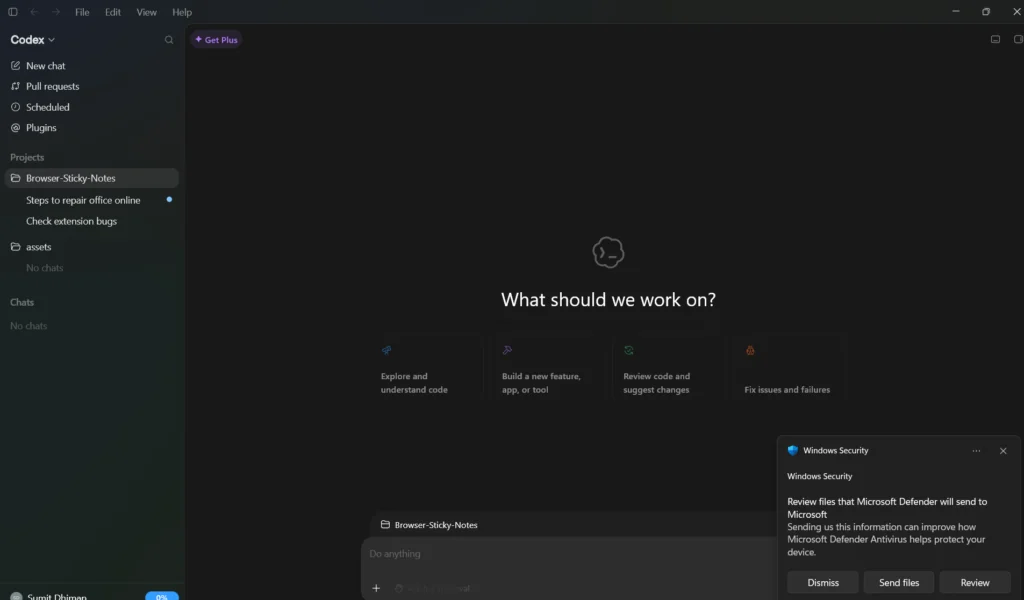
Download Codex here: Codex Microsoft Store and Codex for Mac
What is Claude Code?
Claude Code is Anthropic’s terminal-based AI coding assistant. It is designed for developers who spend most of their time working inside a codebase. Claude Code understands large projects, performs multi-file edits, creates tests, reviews pull requests, and remembers project-specific instructions through files such as CLAUDE.md, making it particularly useful for long development sessions. Claude Code is supported by all Anthropic models.
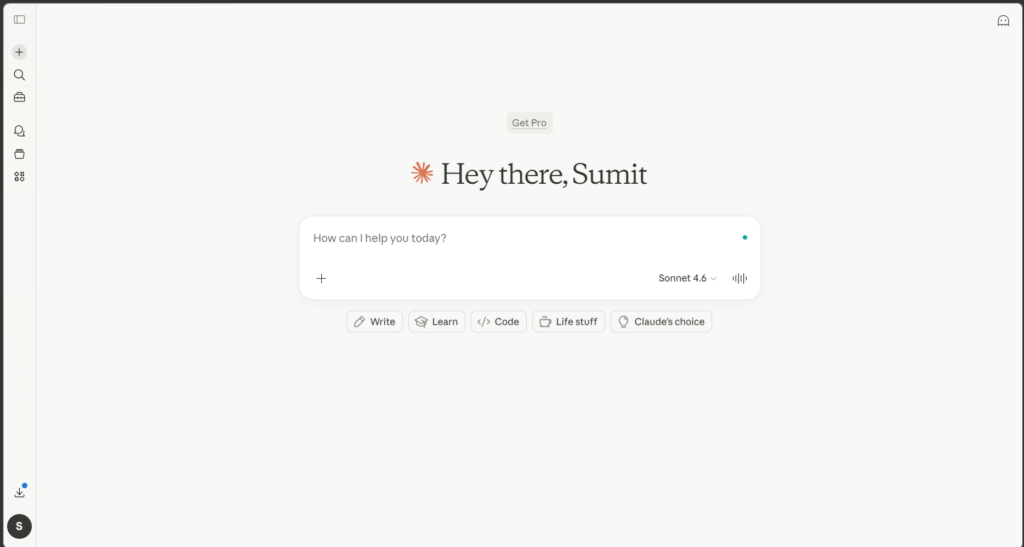
Download Claude Code here: Claude for Windows
Codex vs Claude Code: Feature comparison
| Feature | OpenAI Codex | Claude Code |
|---|---|---|
| Code generation | ✅ Excellent | ✅ Excellent |
| Bug fixing | ✅ | ✅ |
| Terminal integration | ✅ Codex CLI | ✅ Native |
| Large codebase understanding | Very good | Excellent |
| Multi-file refactoring | Very good | Excellent |
| Project memory | AGENTS.md support | CLAUDE.md support |
| Code reviews | ✅ | ✅ |
| Run terminal commands | ✅ | ✅ |
Both tools support modern development workflows, but they approach them differently. Claude Code focuses on understanding large repositories and making thoughtful architectural changes, while Codex emphasizes speed, automation, and efficient execution.
Codex vs Claude Code: Pros and cons
OpenAI Codex
👍 Pros
- Fast code generation and editing.
- Excellent terminal and command-line support.
- Uses fewer tokens for many coding tasks, making it more cost-efficient.
- Works well for debugging, scripting, and automation.
- Integrates with ChatGPT and supported development tools.
👎 Cons
- Can be less effective than Claude Code on very large, multi-file refactoring projects.
- Architectural planning may require more guidance from the developer.
Claude Code
👍 Pros
- Excellent understanding of large codebases.
- Produces high-quality multi-file changes.
- Strong reasoning for complex software architecture.
- Built-in project memory helps maintain coding standards.
- Includes advanced workflow features such as checkpoints, hooks, and sub-agents.
👎 Cons
- Can consume significantly more tokens during long sessions.
- Heavy users may reach usage limits more quickly.
- Slightly slower on some terminal-heavy workflows.
Codex vs Claude Code: Performance
Independent comparisons show that Claude Code generally performs better on repository-level reasoning and complex multi-file software engineering tasks. On the other hand, Codex performs strongly in terminal-based workflows, command execution, and token efficiency. Neither tool wins every benchmark, as results vary depending on the type of programming task being tested.
Summary
Both Codex and Claude Code are among the best AI coding assistants available today. If your work involves complex repositories and large-scale software design, Claude Code is currently the stronger choice. However, if you value speed, efficient token usage, and terminal-based development, OpenAI Codex is an excellent option.
For most developers, there isn’t a single winner. The best choice depends on your workflow and the type of projects you build. Many experienced developers even use both tools together, choosing the one that best fits the task at hand