This easy-to-follow guide will show you how to cancel a ChatGPT Subscription on the Website if you are on a subscription plan, such as ChatGPT Plus or ChatGPT Pro.
Table of Contents
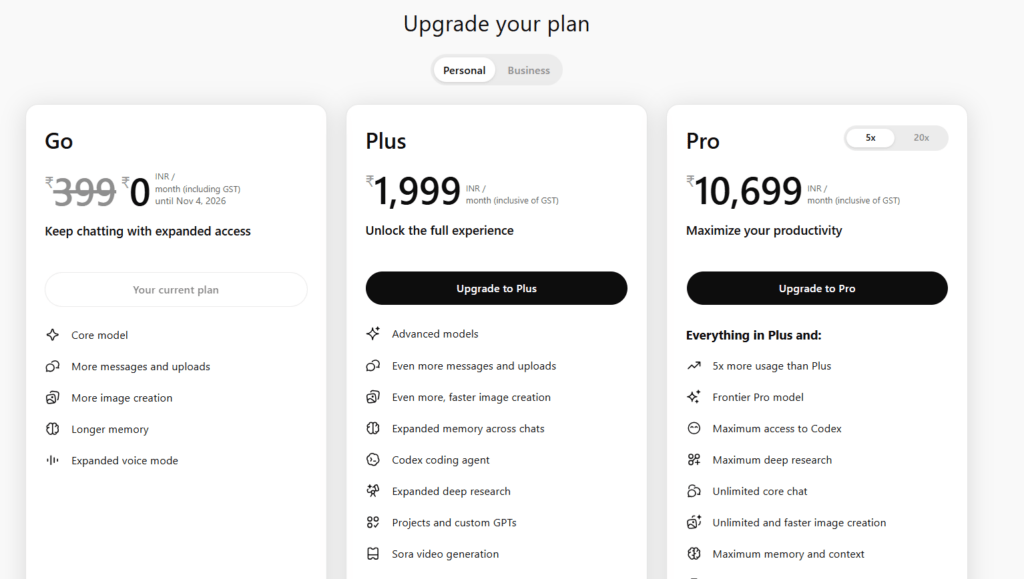
What are the paid Plans of ChatGPT?
ChatGPT provides a Free tier and several paid subscriptions: the Go plan at $8 per month, Plus at $20 per month, Pro at $200 per month, Team starting at $25 per user per month, and Enterprise with custom pricing. Plus delivers faster responses and peak‑time availability, Pro adds unlimited deep‑research queries and o1‑pro mode, and Team offers collaborative workspace tools. To cancel the ChatGPT plan, users simply go to Settings → Manage subscription on the web or use the iOS/Android app stores, keeping paid benefits until the current billing period ends.
How to Cancel ChatGPT Subscription on the website?
To cancel the ChatGPT Plan, which is paid on the website, follow these steps:
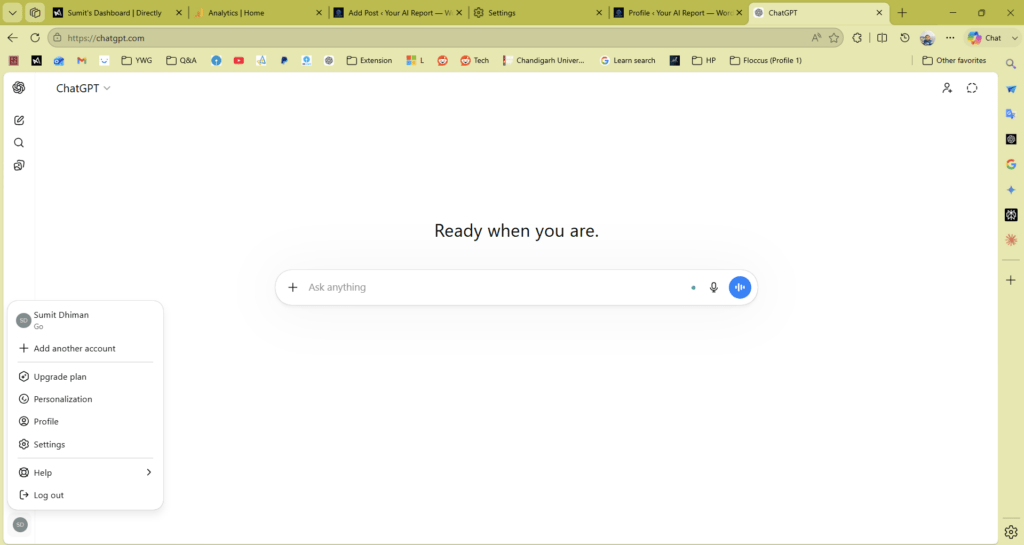
- Open ChatGPT Home Page.
- Click the Profile icon on the bottom right.
- Click the Settings page.
- Head over to the account section.
- Click Manage and a dropdown would appear.
- Click Cancel Subscription.
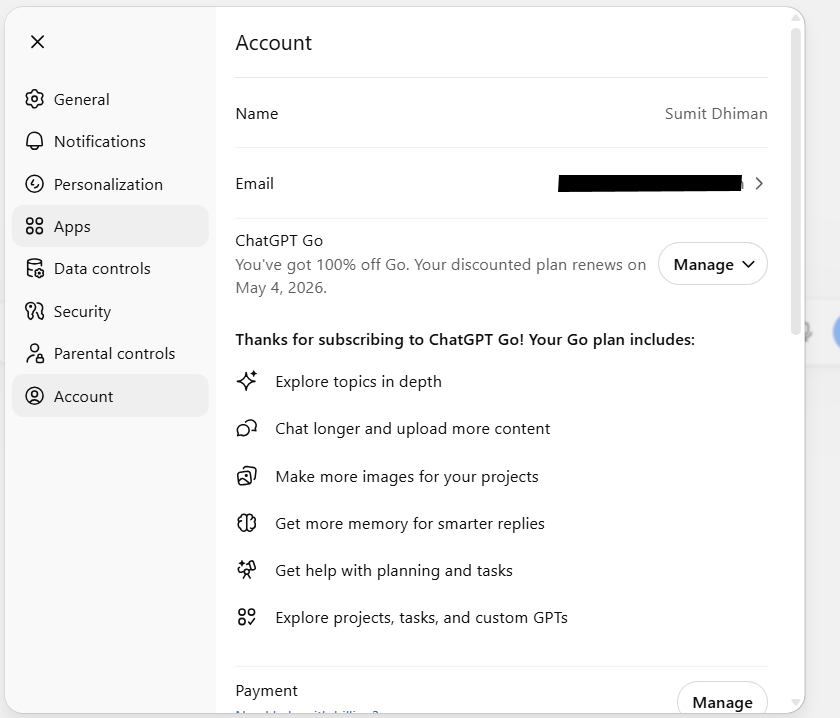
The direct link can also be accessed from here for how to cancel the ChatGPT plan on the website:
Additionally, our sister website also has content on the same topic, i.e., Cancel ChatGPT plan on Phone, which you can check here.