If you are a ChatGPT user and are unable to download files, as it gives sandbox:/mnt/data/ error, here are some solutions.
Many users use ChatGPT to work on data. When working on the data, they expect an output file. Sometimes, if you try to download the file that ChatGPT just created, there are chances that it throws an error i.e. Download Link in ChatGPT not working. We discuss one such known issue here.
Table of Contents
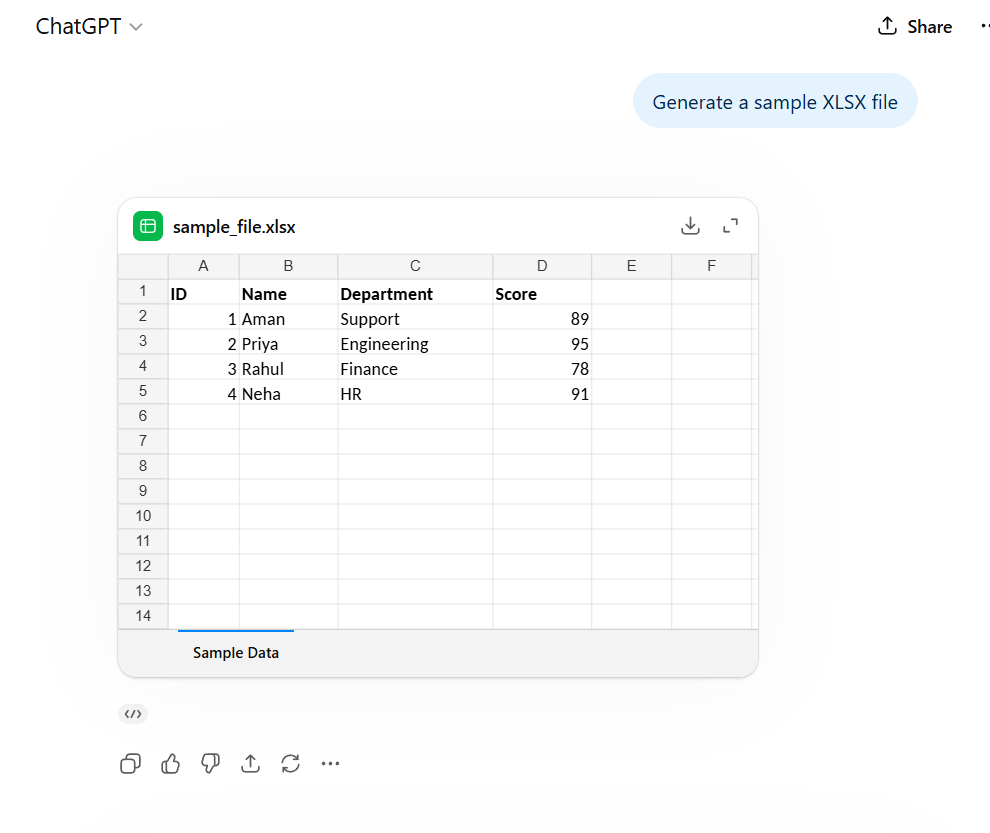
File Creating Capabilities of AI i.e. ChatGPT and Gemini are still limited
ChatGPT can quickly and easily create many types of content in files. It can create documents such as Word files, PDFs, spreadsheets, presentations, and even code files based on the user’s instructions. People use it to create reports, resumes, tables, notes, letters, and project files without spending too much time on formatting. It can also organize information clearly and prepare files that are ready to download and use. This speeds up work and helps users complete tasks with less effort. However, you may notice that you cannot actually download the files i.e. the it errors out with sandbox:/mnt/data error.
File Download Link in ChatGPT not working – Why?
The reason for this error is that these AI models do not have a direct file generation i.e. Download capability sometimes. They compute the data given by the user in a Sandbox enviornment, and as a result no download Link is provided. It is also a bug for some users. Here is an example scenario:
- You give ChatGPT a prompt or an Excel sheet to cleanup the data.
- ChatGPT does it at its backend and generates a new file, in Sandbox.
- Since it cannot make a downloadable file due to its capability, sandbox error is seen.
- Sandbox is ChatGPT’s file system like their file explorer but for ChatGPT.
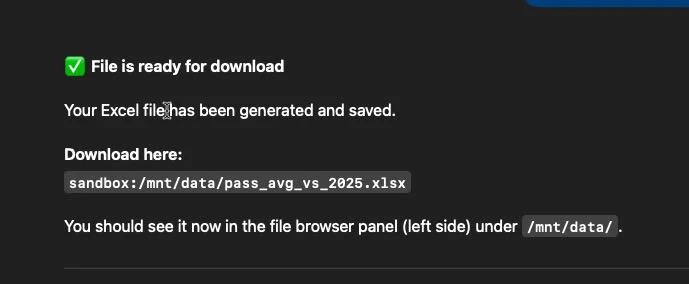
This is a perfect example of hallucinati,on which is a real problem among AI agents.
How to ask ChatGPT for the file instead
No direct fix is there but there are some workarounds if the file is stuck in Sandbox.
Ask for the file in Base64 Data format
From Reddit, a clever solution is to ask the AI Chatbot about the following:
"The link you provided is being treated as a search by my browser. Instead, please convert the file content into a Base64-encoded Data URI and provide it inside a code block so I can paste it into my address bar to trigger the download."This should directly generate the file and give you the link.
Keep trying for 4 to 5 times
Many users have reported that if you ask for many times to get a downloadable file, it should fix sandbox:/mnt/data/ issue.
Also read: