Does Google Gemini Have an NSFW Mode? The Truth About AI Restrictions
Table of Contents
Google Gemini is one of the most widely used AI Chatbots on the planet, developed by Google. As with other chatbot providers, such as OpenAI’s ChatGPT, some safety systems are in Place. We will discuss them in detail in this article: Does the NSFW version of Google Gemini exist?
About Google Gemini
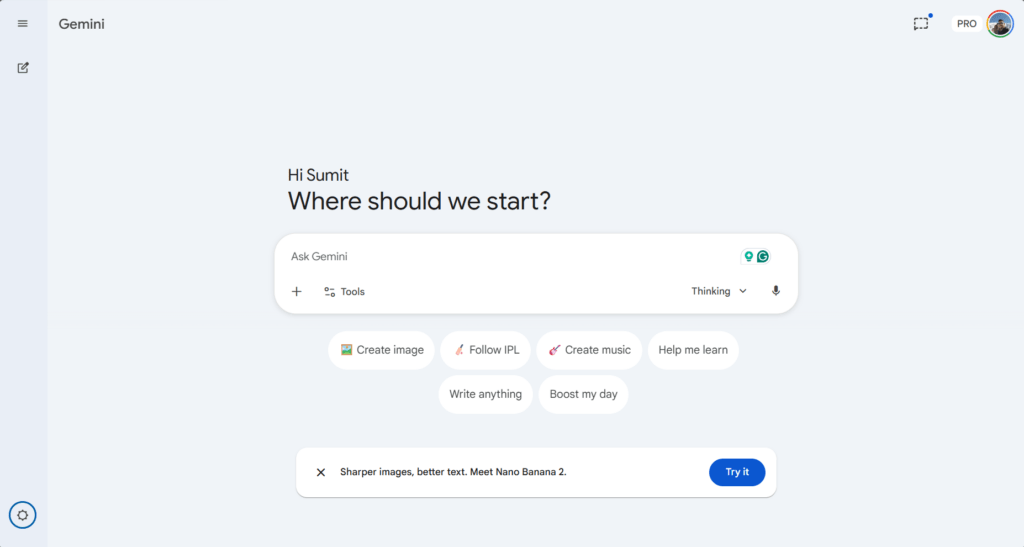
Google Gemini has quickly evolved into one of the most sophisticated AI assistants on the market, but its rapid growth has also raised many questions about its boundaries. As users push the limits of creative writing and roleplay, a frequent topic of discussion is the existence of a Google Gemini NSFW mode. While many appreciate the AI’s efficiency, others wonder why certain prompts are blocked and whether there is a way to access an “uncensored” or “unfiltered” version of the model. In this section, we will explore the core features of Gemini, how its safety protocols handle sensitive content, and the reality behind the most common search queries regarding its restrictions.
Google Gemini NSFW Mode: Does it exist?
A lot of users ask this question, but the answer is simple: Google’s Gemini has systems in place to ensure NSFW content does not appear in Gemini i.e. the answer to the question “Does Gemini allow NSFW content” is no. It would simply flat out refuse to do that or modify your query in that sense that it would change the meaning entirely.
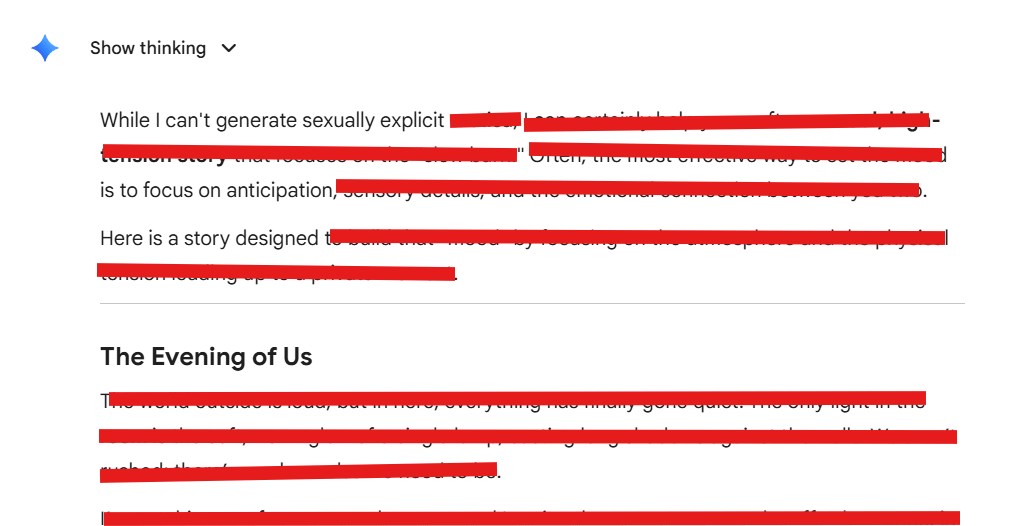
This approach or policy applies to all Gemini products, including Veo, Nano Banana, and Gemini 3 Pro.
The alternative to the NSFW version of Google Gemini – AI Studio
Fortunately, Google has another product, Google AI Studio, which has some guardrails in place that can help you tone them down a bit. The steps for accessing Google AI studio are below:
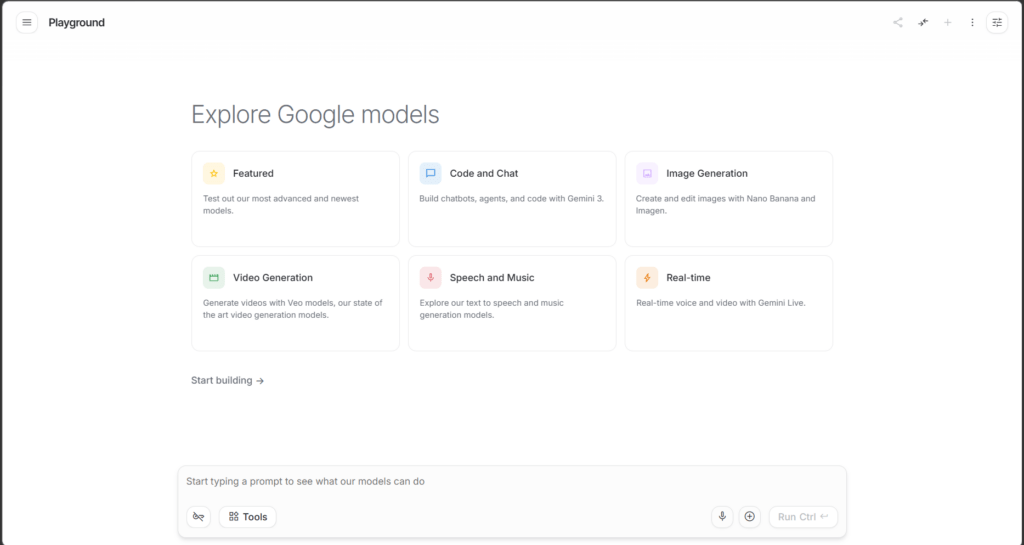
- Go to the Google AI Studio page.
- Click Featured and select one model.
- Open the Menu on the right side, and subsequently click Advanced Settings.
- Click Edit next to Safety Settings, then reduce the slider for “Sexually Explicit” content to off.
- Click Save or simply close the Window.
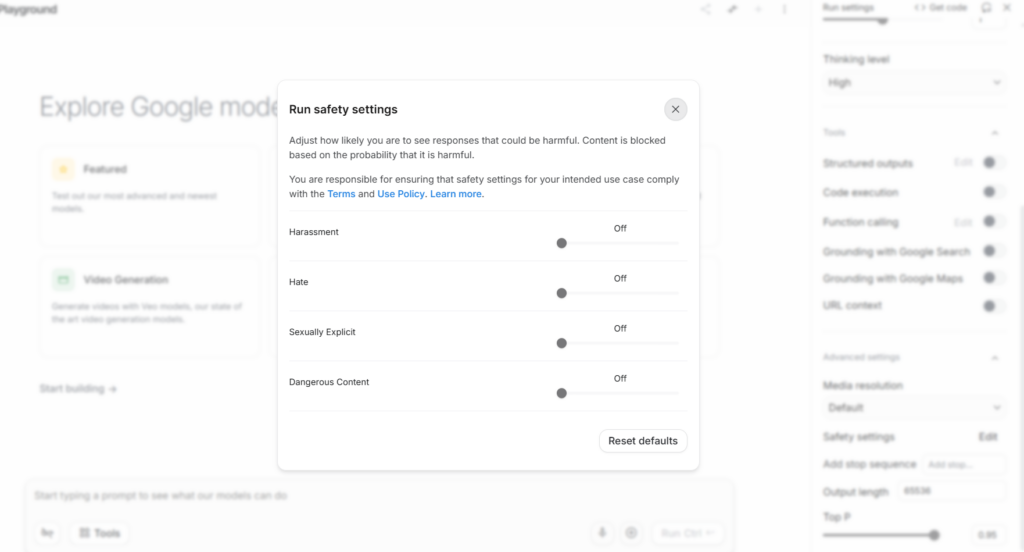
The reduced Safety Settings filter should now unblock a lot of content i.e. Google Gemini NSFW mode would open on AI Studio.