Can’t drag to select multiple photos in Google Photos? You’re not alone.
Many Android users have recently reported that the drag-to-select feature in Google Photos has stopped working. Instead of selecting multiple photos by holding and dragging, the app now only selects a single photo and begins scrolling. Reports from Pixel, Samsung, OnePlus, and other Android devices suggest this is a widespread issue rather than a device-specific problem.
Table of Contents
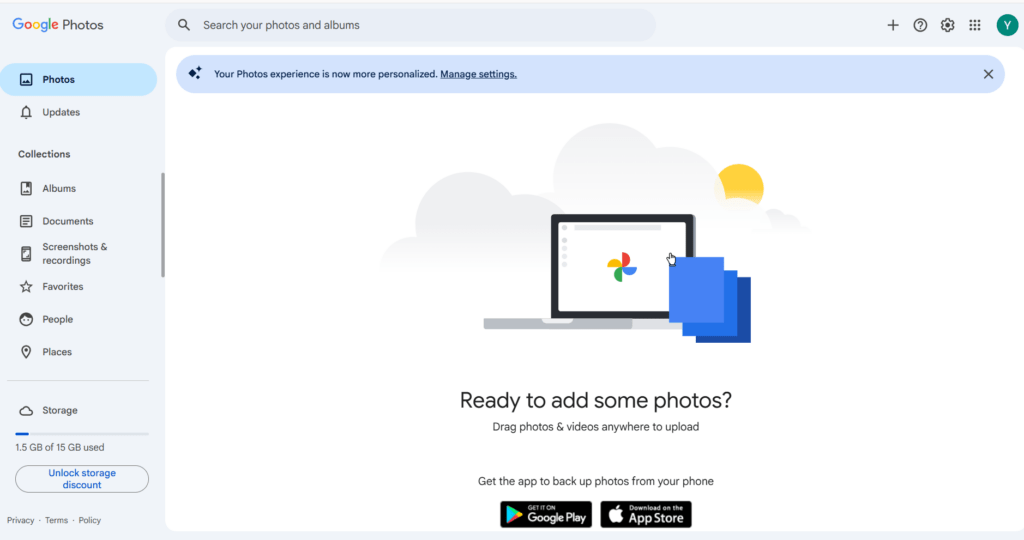
Why is Google Photos drag select not working?
Based on user reports, the issue appears to have started after a recent Google Photos update. While Google has not officially confirmed the cause, many users believe it is either a bug or an unintended change affecting the Android app. Interestingly, several users noted that the feature continues to work on iPads and some older versions of the app.
Temporary workaround
Some users have found that disabling accessibility services restores the drag-to-select feature. This workaround has been reported to work on several devices, although it requires turning off accessibility features that some users rely on daily.
Another temporary option is to enable Show dates in grids from the three-dot menu in Google Photos. You can then tap the date labels to quickly select groups of photos instead of selecting each image individually. While it is not a complete replacement for drag selection, it is much faster when managing large photo libraries.
Summary
If Google Photos drag select is not working, the problem appears to be affecting many Android users after a recent update. Until Google releases an official fix, you can try disabling accessibility services or use the date-group selection method as a temporary workaround.
Have you found another solution that works for the Google Photos multi select feature being broken? Let us know in the comments so we can update this guide.
Check out other articles under Reddit in this guide.