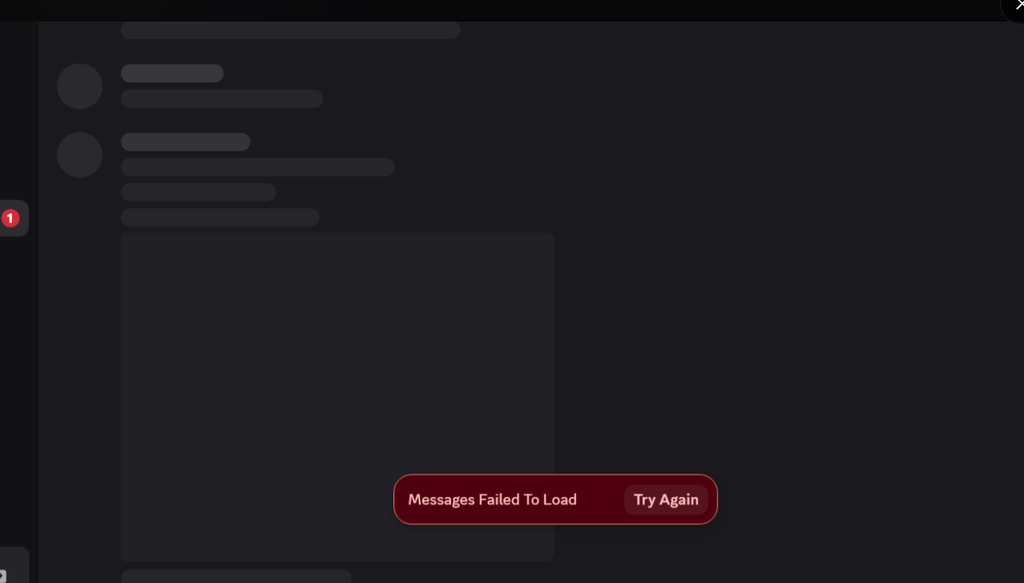
If Discord messages failed to load after completing a CAPTCHA or verification check, the problem may not be related to your internet connection or Discord installation. The issue can cause channels and direct messages to fail to load properly, while the account itself may still appear to be signed in. Recent reports about this emerging issue, also show that the problem can affect Discord on Windows, the web, and mobile devices.
Table of Contents
Why are Discord messages failing to load?
The problem appears to be connected to account verification and authentication. In some cases, the issue starts after joining a server or completing a CAPTCHA, after which Discord may require the account to be verified again. When that verification state is not handled correctly, Discord can show “Messages Failed to Load” even though the account login itself appears to work.
Discord has recently expanded its age and account verification systems and has also documented issues with mismatched age-group status across devices. Discord says that particular age-status issue was resolved on September 23, but verification-related problems are still being reported separately. (Discord Support)
How to fix Discord messages failed to load
A workaround that has worked for some affected accounts is to retrigger the account verification process.
Try these steps as per Reddit which may work.
- Open Discord and go to your Direct Messages.
- Send a friend request to another user.
- If Discord displays an account verification prompt, complete the verification using the email associated with your account.
- Sign in again and check whether your messages and channels load normally.
This workaround appears to restore access for some accounts by forcing Discord to refresh the account’s verification state. However, it is not a confirmed permanent fix, and reports indicate that the problem can return, particularly when starting new conversations or after another verification event.
Summary
If Discord messages fail to load immediately after a CAPTCHA or verification check, the issue may be related to the account’s verification status rather than your PC, phone, or internet connection. Re-triggering verification through a friend request has worked as a temporary workaround for some affected accounts, but Discord will need to provide a permanent fix if the problem continues.
Have you found another working solution for the Discord messages failed to load error? Share it in the comments so the article can be updated.