Samsung TV users are unable to play Plex content after the latest app update
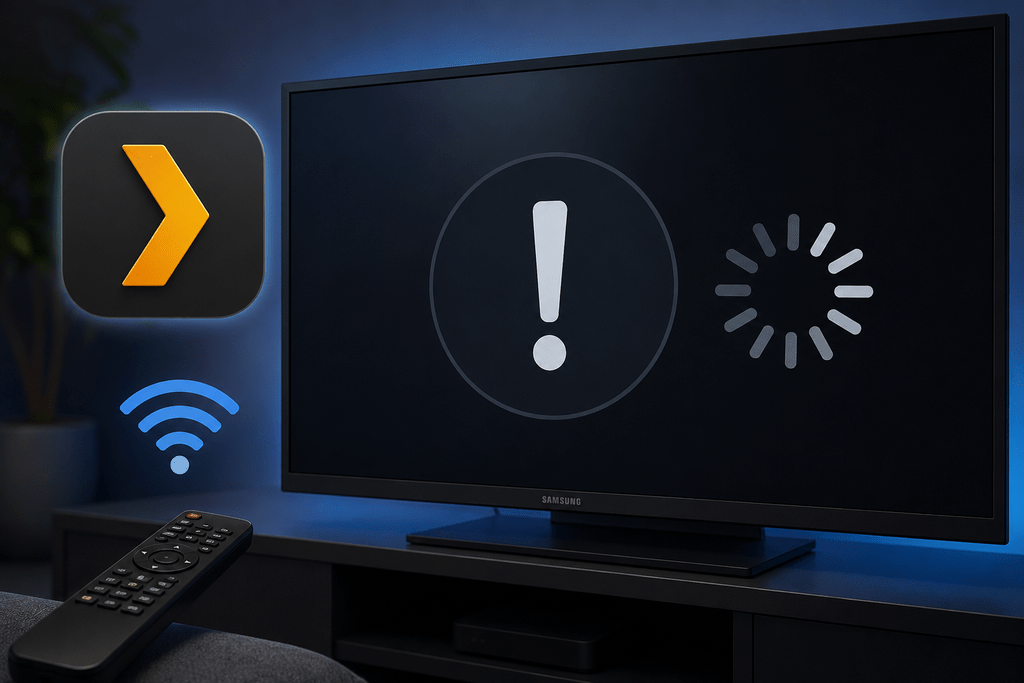
If you see Plex for Samsung 5.94.3 Playback error i.e. it suddenly stops playing any movies or TV shows, you are not alone. Multiple Samsung TV users are reporting an immediate playback failure with the message “o.default is not a constructor”. The Plex library still loads normally, but pressing Play causes the playback screen to close with an unexpected Plex for Samsung 5.94.3 Playback Error.
Table of Contents
What is causing the Plex Samsung playback error?
The issue appears to be with the Samsung/Tizen Plex client rather than the Plex Media Server or your media files as per research on their forums. Reports show the same problem across different Samsung TV models, Tizen versions, Plex Media Server versions, and server platforms, including Windows, Linux, Docker, and Synology.
The error occurs before Plex even creates a playback session. Users have also confirmed that the same media works normally through Plex Web, Android, iOS, Roku, Fire TV, Google TV, and Chromecast. This makes a server or media compatibility problem unlikely.
Interestingly, some users reported that Plex was working normally, then stopped working after the TV updated to client version 5.94.3. One Reddit report also noted that an older Samsung TV still running Plex 5.94.1 continued to work, although the available reports are not enough to say that every affected TV is behaving the same way.
How to fix the Plex for Samsung 5.94.3 playback error?
At the time of writing, for Plex for Samsung 5.94.3 Playback Error, there is no confirmed setting change or Plex Media Server rollback that fixes the problem. Users have already tried reinstalling the Plex app, restarting the TV, resetting the application, changing DNS, changing connection settings, and modifying Direct Play and Direct Stream settings without success.
Use Plex through the Samsung TV browser
The simplest workaround to solve Plex for Samsung 5.94.3 error is to open Plex Web through the web browser on your Samsung TV. Users have reported that the same server and media can play through the browser even when the Samsung Plex application fails.
Use another streaming device
You can also use an external Plex client such as Roku, Fire TV, Google TV, Shield, or Chromecast. These devices have been reported to play the same Plex libraries normally.
Cast from another device
Another temporary option is to start playback from a supported phone or other device and cast it to the TV. This avoids using the affected Samsung Plex application directly.
Is Plex aware of the issue?
The supplied Plex forum reports indicate that the issue has rapidly spread across many Samsung TV models and Tizen versions, with multiple related reports appearing simultaneously. However, the main report states that there was no specific Plex employee acknowledgment of this particular 5.94.3 failure at the time it was posted, and the Plex status page was still showing the Smart TV app as operational.
For now, the evidence points strongly to a Samsung Plex client-side issue in version 5.94.3 rather than an issue with your Plex server.
To summarize, the Plex for Samsung 5.94.3 playback error appears to affect many Samsung TVs and causes playback to fail with the error “o.default is not a constructor.” Until a proper fix is released, using Plex Web, casting, or another streaming device appears to be the most practical workaround.
Have you found another workaround for this Plex issue on Samsung TVs? Let us know in the comments so we can update the article. Additionally, check out our other Reddit reports articles related to technology here.