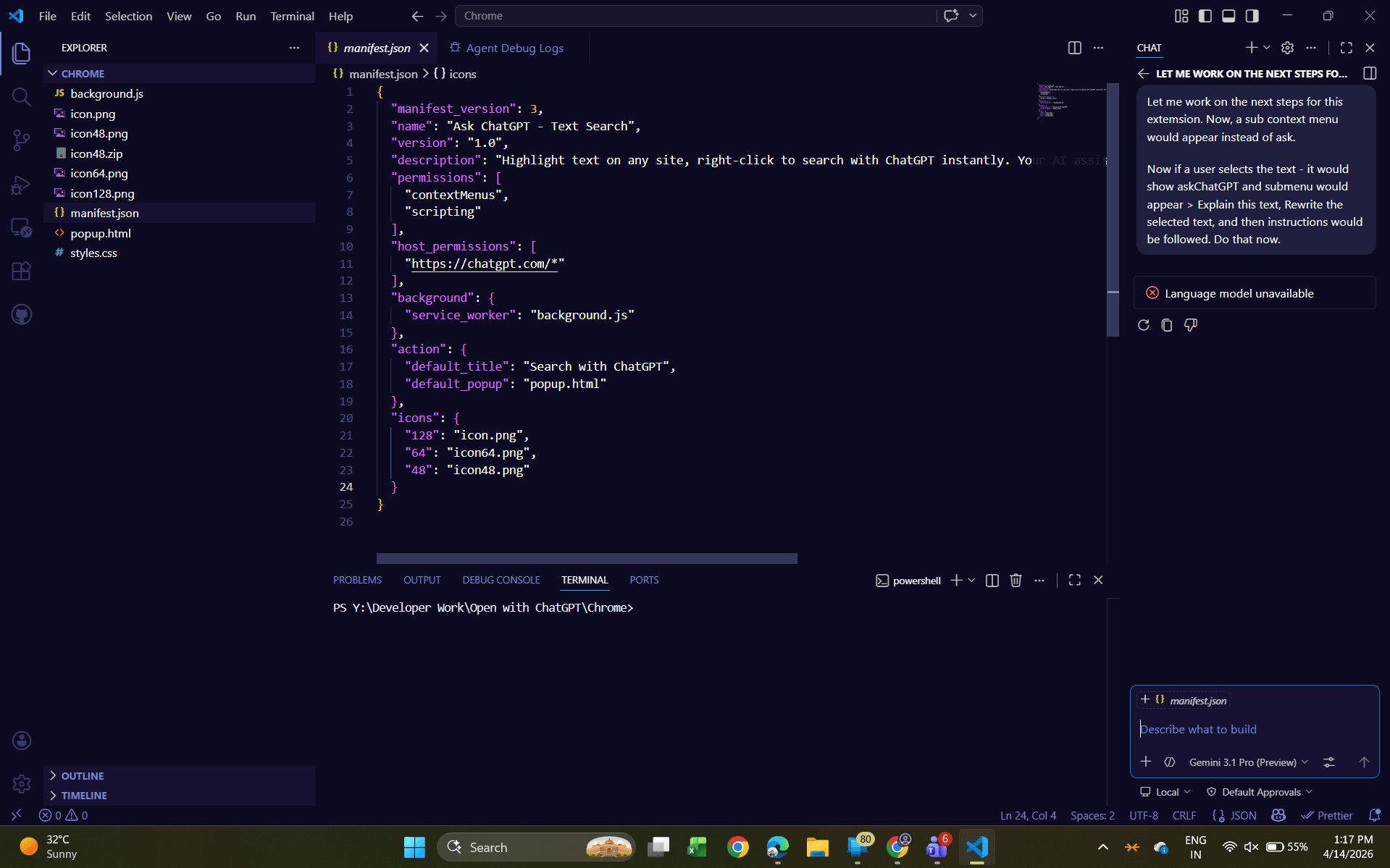
If the Copilot icon in the bottom-right corner of the Microsoft 365 app is bothering you, this article should help.
Table of Contents
Users after updating to the Latest Microsoft 365 Current Channel 2604 Build 19929.2017 have reported that the Copilot icon in the Menu has been replaced by an icon on the bottom right. This guide aims to remove the Copilot icon in Excel and other Microsoft 365 apps.
What can Copilot for Microsoft 365 do?
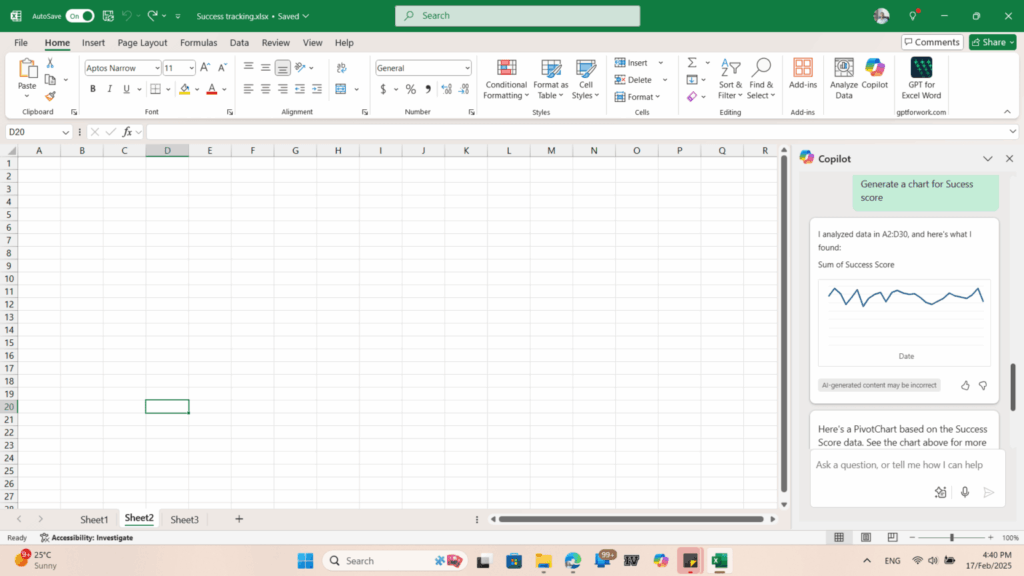
Copilot for Microsoft 365 helps you work faster by generating drafts, summarizing long emails, analyzing Excel data, creating presentations, and turning ideas into ready‑to‑use content across Word, Excel, PowerPoint, Outlook, and Teams. It understands your documents, improves productivity, and reduces repetitive tasks so you can focus on real work. Many users also explore customization options – like how to remove Copilot icon in Excel and other Microsoft 365 to get rid of AI stuff.. Copilot ultimately acts as a smart companion that enhances creativity, boosts efficiency, and simplifies everyday workflows.
Disable or Remove Copilot icon in Excel
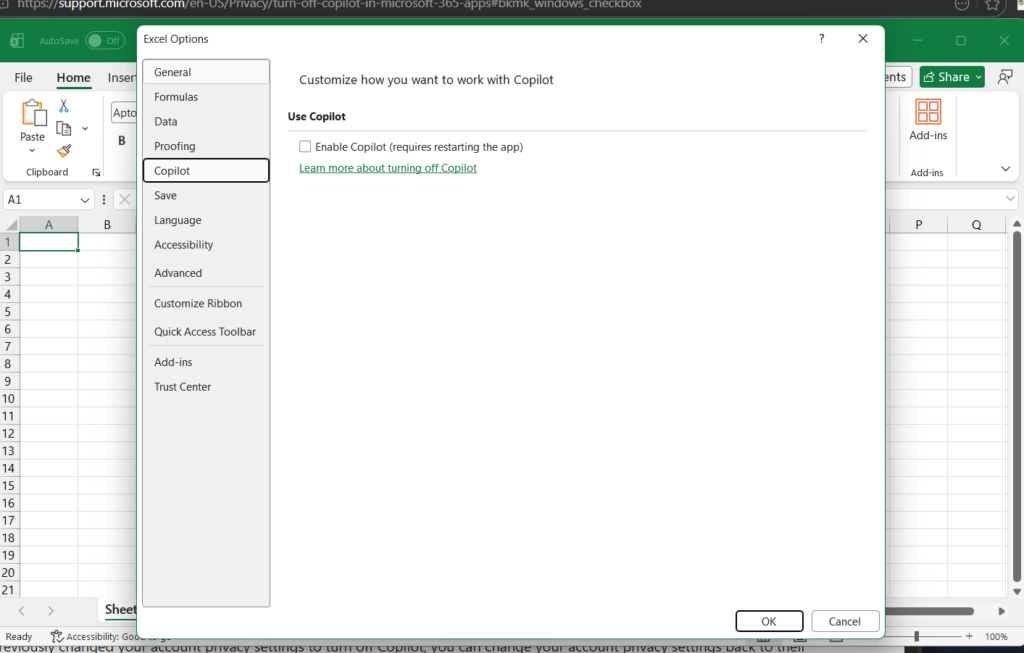
To get rid of the Copilot icon in the bottom right, see the steps below:
- Open Excel > File > Options.
- Under Copilot > Uncheck “Enable Copilot.”
- If you have a Mac, instead, go to Preferences > Copilot, and turn Copilot off.
What if the Copilot option is missing in Excel Options?
If the Copilot option is missing from the Application options in Microsoft 365 and you cannot remove the Copilot icon in bottom right, the Office app might be provided by Work or school, i.e., your IT department. In that case, they need to disable the Copilot feature for you. Supply these instructions to your IT admin:
- Open Microsoft 365 Admin Center
- Go to Copilot → Settings
- Under “In Microsoft 365 apps”, change the option to: Do not pin Copilot Chat in Microsoft 365 apps
- Restart your PC
- After reboot, the floating Copilot icon will disappear from Excel completely
This should remove Copilot icon in Excel and other Microsoft 365 apps.
Rolling back to version 2603 can also help you
If you are still fed up with the Copilot icon in the bottom right in the Microsoft 365 apps or contacting the IT Department is not possible, you can roll back to version 2603, which did not introduce this feature. You can refer to this guide for a complete tutorial.