If you are looking to create a temporary Group in WhatsApp, see your available options
WhatsApp groups make it easier to bring people together and keep conversations organized around a common purpose. A temporary group in WhatsApp is useful when you need a shared space for short-term communication, such as planning an event, coordinating a trip, discussing a project, or sharing updates for a limited period. Once the purpose is fulfilled, you can close or delete the group.
Table of Contents
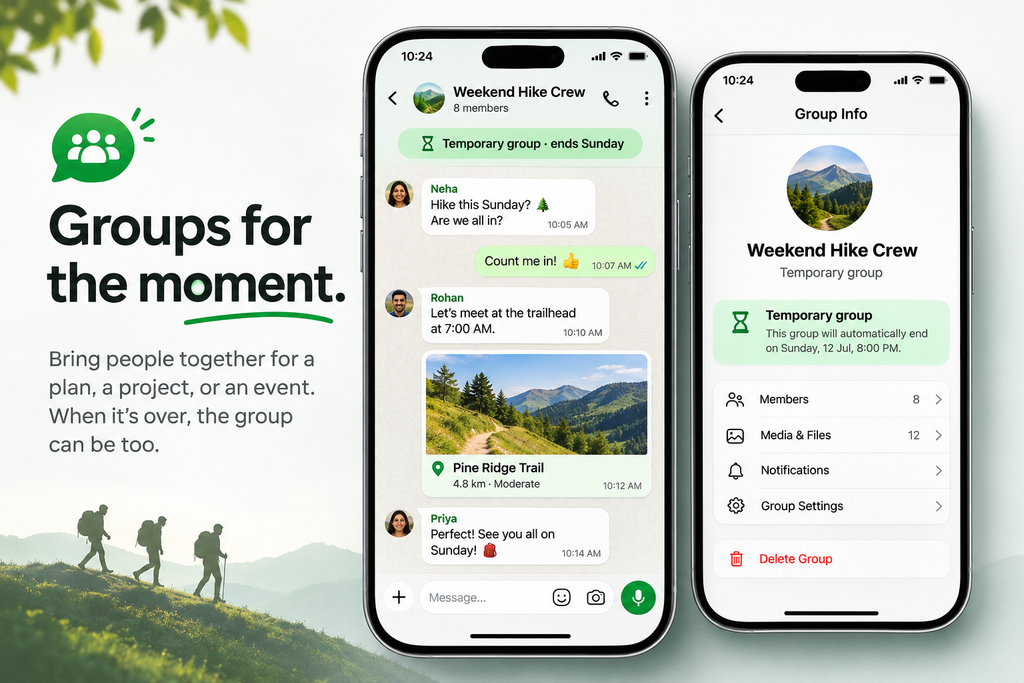
Does the Temporary Groups feature in WhatsApp exist?
WhatsApp does not currently offer a dedicated feature to create a temporary group that automatically expires or gets deleted after a set period. You can create a regular group for short-term communication, but it will remain active until an admin manually deletes it or members leave. Therefore, if you want to create a temporary group in WhatsApp, you will need to use a the generic workaround below. This temporary Groups feature in WhatsApp is the most requested feature in WhatsApp.
Workaround to create temporary groups in WhatsApp
You can use a regular WhatsApp group as a temporary by setting a clear purpose and telling members it’s for short-term communication. Once the event, trip, project, or discussion ends, the admin can remove participants and delete the group. You can also use the group description to state its purpose and expected end date, making it clear when the group will no longer be needed.
To summarize, this article is about Temporary Groups in WhatsApp, which is one of the most requested features by users.