If you are a developer and encounter “Language model unavailable” in GitHub Copilot VSCode while using AI models to write code, this article is for you.
Table of Contents
About VSCode and GitHub Copilot
Visual Studio Code (VSCode) is a popular, free code editor that developers love for its speed, light weight, and ease of use. When you combine it with GitHub Copilot, it becomes a powerful tool for building software, offering access to ChatGPT’s Codex, Gemini, etc. GitHub Copilot is an AI coding assistant that helps you write code faster by suggesting lines of code or entire functions as you type. It feels like having a smart partner who helps you solve problems and learn new languages quickly. Together, VS Code and GitHub Copilot make the development process much smoother for everyone, from beginners to professional engineers.
Are you getting “Language Model unavailable” in GitHub Copilot VSCode?
If you are getting an error like this in GitHub Copilot, the issue stems either from a temporary hiccup or from changes Microsoft made to the GitHub Copilot free trial, though the latter is very likely.
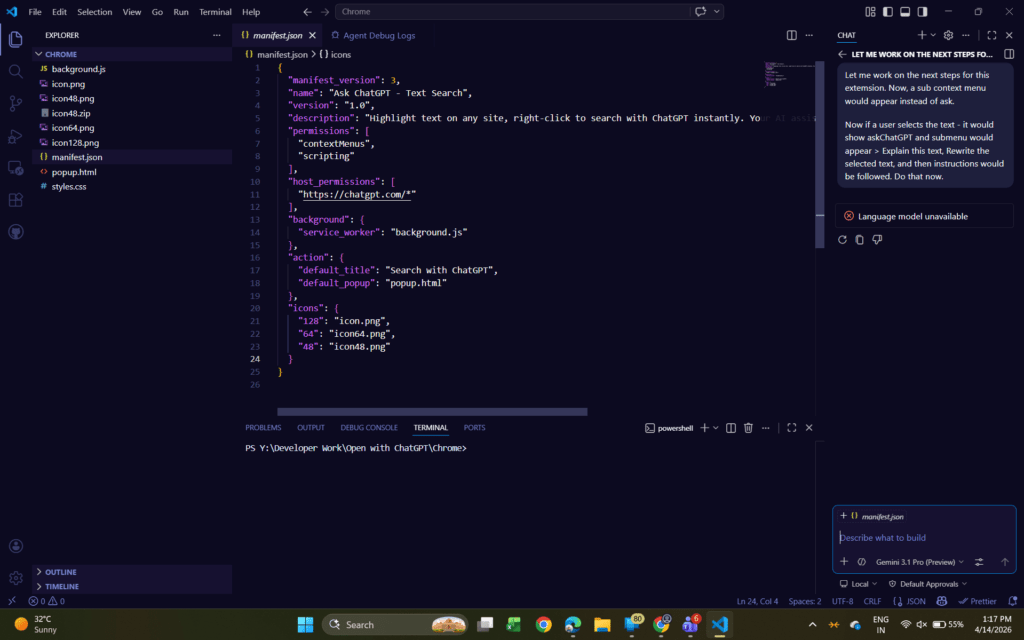
According to various Reddit posts like this one, you will get this error if you have purchased a GitHub Copilot trial for the first month and are currently under a Free trial. Microsoft recently made changes to the free plan, effectively nuking it. Those on the free plans would continue to get Language model unavailable in GitHub Copilot VSCode. The free trial has also been removed from the Github Plans page:
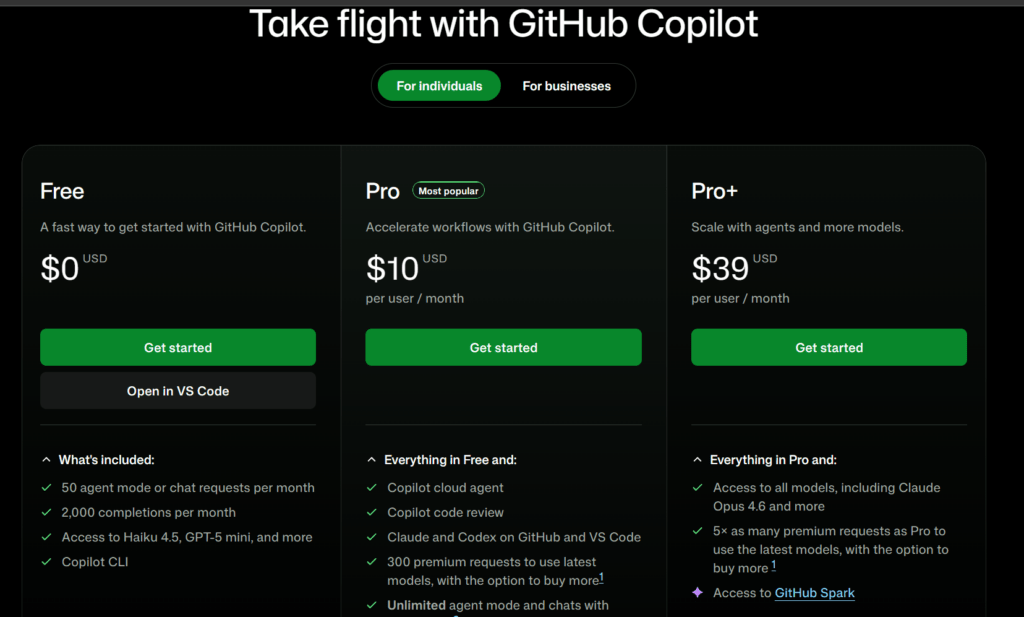
The fix? Purchase the GitHub Copilot Pro plan
The only way out of this issue is to start the Paid subscription for GitHub Copilot from the GitHub Settings page by selecting “Start Paid Subscription,” then restart VSCode.

VS Code Billing page is here:
- Open the GitHub Licensing page.
- Under Cuttent Copilot Plan, click “Manage Subscription”.
- Click “Start Paid Subscription”
Check the GitHub status page
If you are on a paid or a free plan and getting a Language Model unavailable error in GitHub Copilot VScode, you should always check GitHub status page for any known incidents on which the Engineering Teams are working. Check here: