Don’t like the AI overviews when you search? We got you covered!
Table of Contents
Google is going all out with AI in its search Engine, and as a result, creators like us are struggling. If, like us, you hate AI overviews on the Search Engine, we have got you covered.
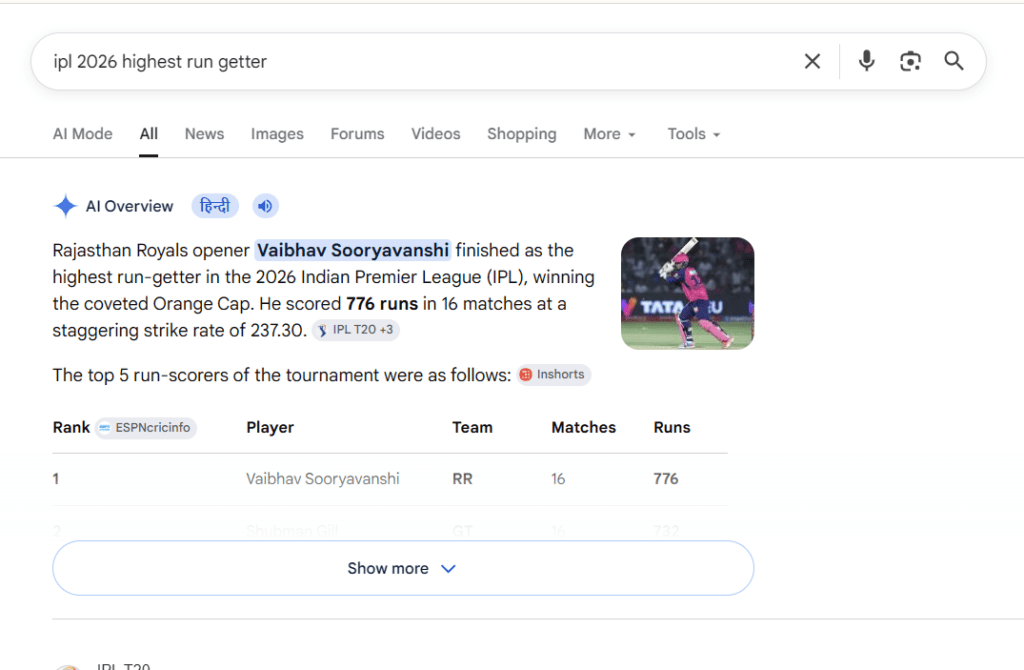
What are the AI overviews on Google?
AI overviews Google are short, smart summaries that appear at the top of your search results when you look something up on Google. Instead of just showing you a list of blue links, Google uses artificial intelligence to read information from different websites and give you a quick answer right away. These summaries can help you understand a topic faster, but they also push regular website links further down the page, which is why many people and content creators want to turn them off.
Various methods for turning off AI overviews
The various methods are given below for turning of Google AI overviews.
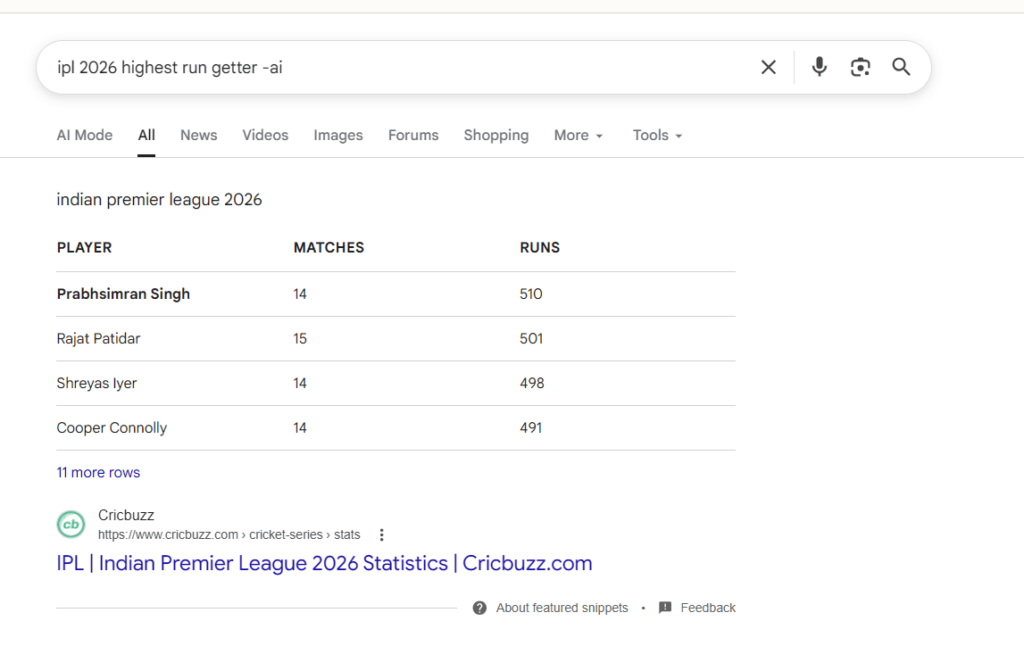
Append -ai to search
This is the most reliable method. If you end your query with “-ai”, the overview won’t appear. The example can be seen below:
This method works with Microsoft’s search engine Bing, too, with Copilot being turned off there.
How to turn off AI overview using a Browser Extension?
You can also turn off AI overviews on Google by simply using a Browser Extension. Examples are below:
To summarize, these methods help to turn off AI overviews on Google